Work Hours
Monday to Friday: 7AM - 7PM
Weekend: 10AM - 5PM

KT board, also known as foam board or foam core board, can be cut cleanly with a CNC oscillating knife cutting machine. A digitally controlled vibrating blade follows a vector file to create display shapes, lettering, internal slots and printed contours without the heat associated with laser cutting. For dependable results, match the blade, holding method and cutting path to the board thickness and surface finish.
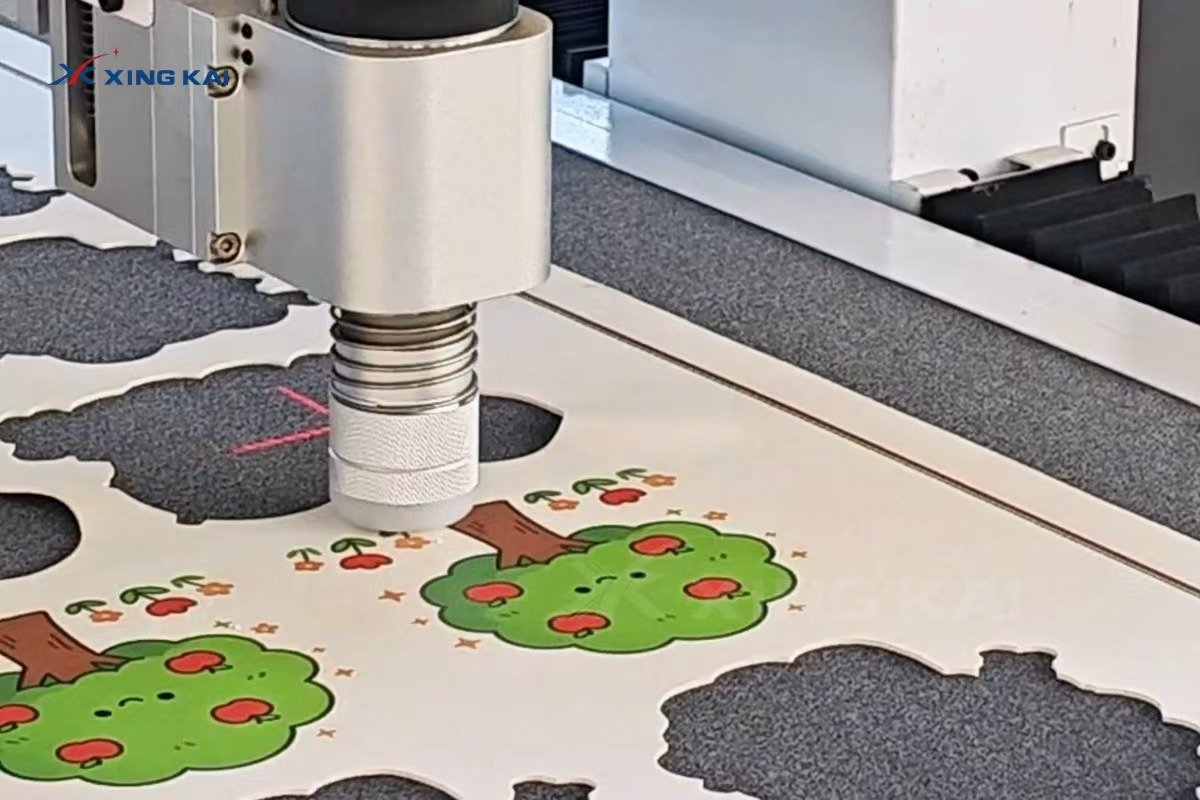
Table of Contents
- What Is KT Board?
- Challenges in Cutting KT Board
- KT Board Cutting Methods Compared
- How Does a CNC Knife Cut KT Board?
- How to Choose the Right Cutting Tool
- Step-by-Step Cutting Process
- Common Cutting Problems and Solutions
- Applications of CNC-Cut KT Board
- How to Choose a KT Board Cutting Machine
- Frequently Asked Questions
What Is KT Board?
KT board is a lightweight rigid display board built around a foam core with paper, coated paper or PVC-facing layers. It is widely used in advertising, printing, retail display and events because it is easy to print, mount, transport and shape. Its layered structure calls for a controlled cutting process: excess pressure can compress the foam while an unsuitable blade can damage the printed face.
Key Characteristics
- Lightweight construction for temporary and semi-permanent displays.
- A foam core with a printable or laminated surface layer.
- Suitable for custom contours, lettering, slots and assembled display structures.
- Available in different thicknesses, densities and surface finishes.
Common Applications
- Retail point-of-sale displays and shelf signage.
- Exhibition panels, booth graphics and directional signs.
- Printed standees, promotional props and event decoration.
- Custom logos, product displays and presentation boards.
Challenges in Cutting KT Board
Protecting the Face Layer
Printed, coated or laminated surfaces can tear, lift or crack when a dull blade drags across the material. A sharp blade, controlled pressure and a stable sheet are essential for a clean finished edge.
Avoiding Foam Compression
Too much downward force can indent the foam core and make the edge look uneven. A sample cut helps identify the correct depth and blade setting before full production begins.
Maintaining Small Details
Fine lettering, internal holes and tight corners need an accurate path and correct cutting order. Internal details are normally cut first so the sheet stays stable until the outside contour is released.
KT Board Cutting Methods Compared
| Method | Suitable Tasks | Advantages | Limitations |
|---|---|---|---|
| Manual knife cutting | Simple straight cuts and small samples | Low starting cost | Slow and inconsistent for complex shapes |
| Laser cutting | Selected thin display materials | No blade contact | May affect foam edges or surface finish |
| Die cutting | High-volume repeating shapes | Fast for fixed designs | Requires a die and offers less flexibility |
| CNC oscillating knife | Custom contours, signs and short-to-medium runs | Cold cutting, flexible files and no die required | Requires suitable tools and material holding |
How Does a CNC Knife Cut KT Board?
Cutting Tool
An oscillating knife is the main choice for through-cutting KT board. The blade vibrates while following the programmed path, helping it separate the material cleanly. Depending on the job, a drag knife, creasing wheel, marking tool or V-cut tool may also be evaluated.
Material Holding
Vacuum adsorption holds the board flat on the cutting table. Correct vacuum-zone selection prevents movement, protects contour accuracy and helps keep small parts in position while internal features are cut.
Software and Cutting Path
The operator imports a vector drawing, assigns tools and separates cutting, creasing and marking paths. Efficient nesting reduces waste, while a logical cutting order preserves sheet stability and improves detailed results.
How to Choose the Right Cutting Tool
| Material Condition | Processing Requirement | Recommended Tool | Key Note |
|---|---|---|---|
| Standard KT board | Simple outlines and through-cuts | Oscillating knife | Confirm blade depth with a sample |
| Printed KT board | Clean contour around graphics | Oscillating knife | Use controlled pressure and a sharp blade |
| Laminated KT board | Display shapes and fine details | Oscillating knife | Check film adhesion before production |
| Folded display structure | Cut and fold lines | Knife plus creasing or V-cut tool | Confirm fold direction and material construction |
Step-by-Step Cutting Process
1. Confirm the Material and Cutting Requirements
Confirm the board thickness, surface type, sheet size, printed graphics and required finished structure.
2. Prepare and Import the Cutting File
Prepare a clean vector file and separate cut, crease and marking lines before assigning the process settings.
3. Position and Secure the Material
Place the board flat, activate the vacuum and verify that the material cannot shift during processing.
4. Run a Sample Cut and Adjust Settings
Inspect a small sample for cut-through, edge quality, corner accuracy and face-layer protection, then adjust as needed.
5. Start Cutting and Inspect the Finished Parts
Run the production file and check dimensions, detail quality and complete part separation before packing or assembly.
Common Cutting Problems and Solutions
| Problem | Possible Cause | Adjustment Direction |
|---|---|---|
| Rough or torn edge | Dull blade or unsuitable settings | Replace the blade and test speed and pressure |
| Compressed foam core | Excessive downward force | Reduce pressure and verify blade depth |
| Board movement | Insufficient vacuum holding | Improve vacuum coverage and flatten the sheet |
| Unclean corners | Incorrect tool or corner setting | Adjust path settings and test the tool |
| Incomplete cutting | Insufficient depth or unsuitable blade | Increase depth carefully after a sample cut |
Applications of CNC-Cut KT Board
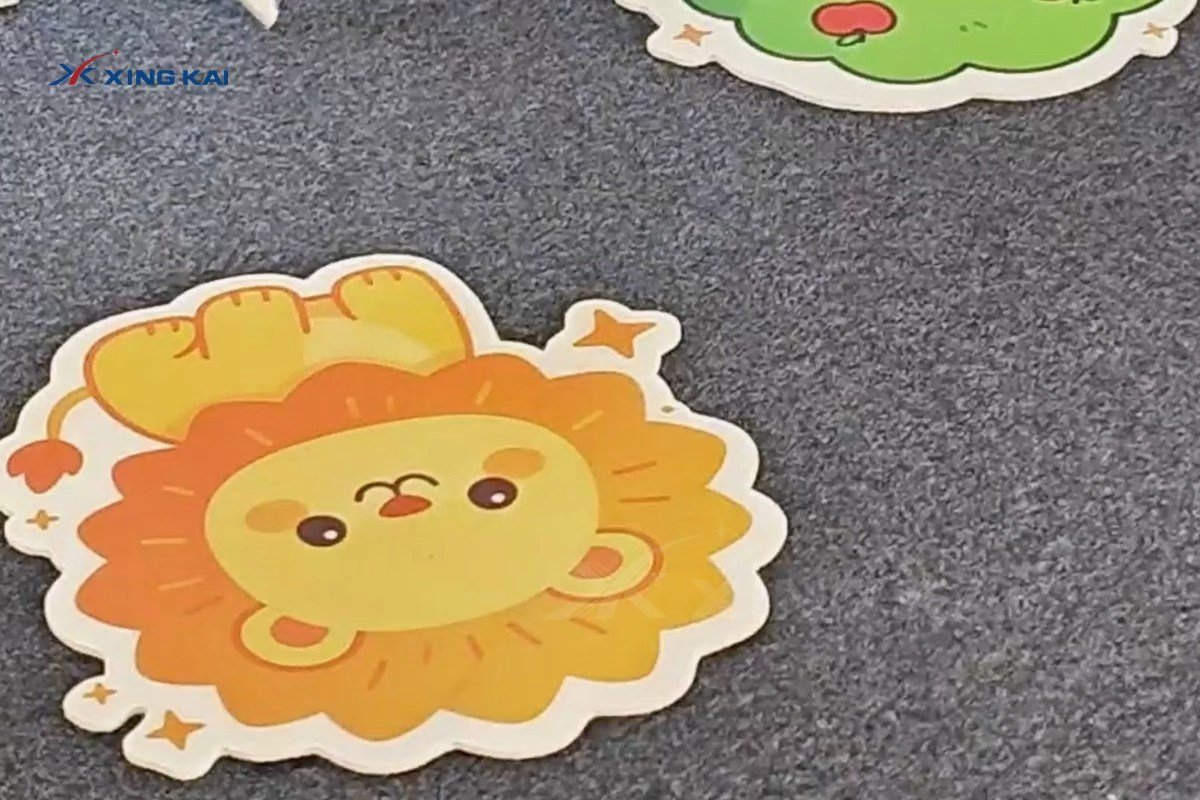
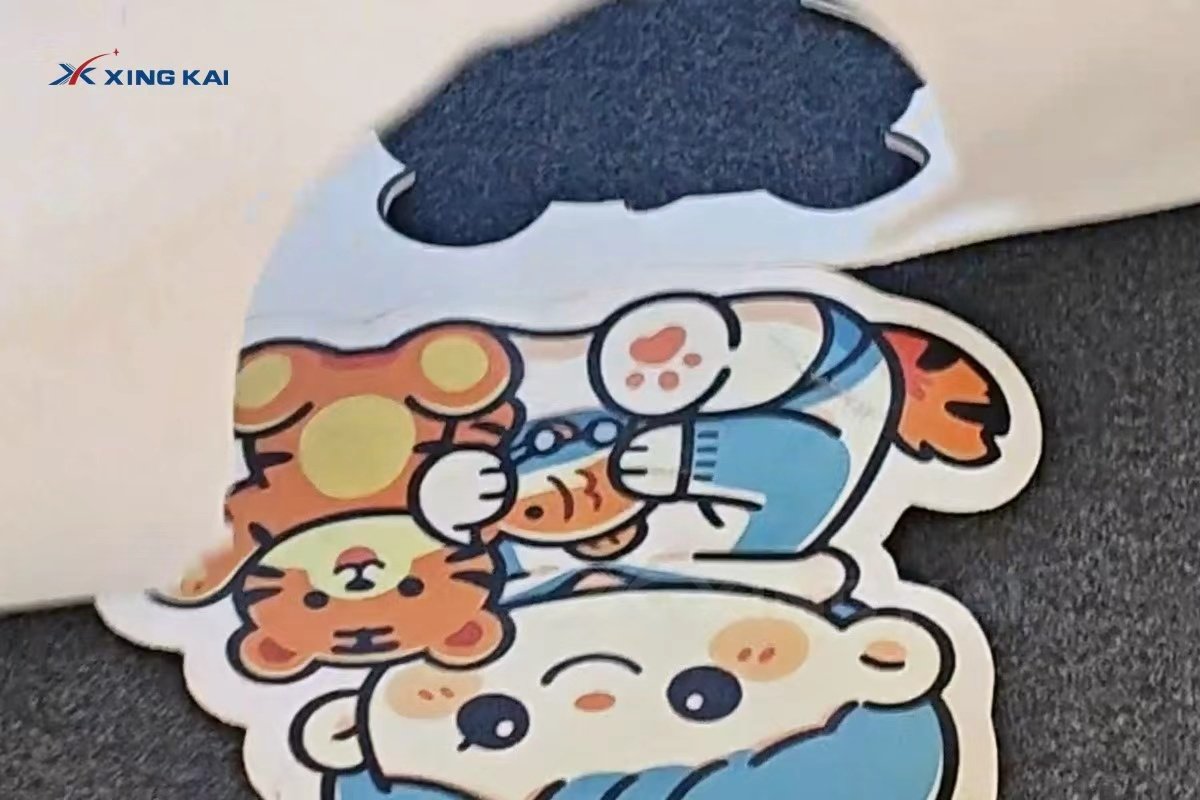
CNC-cut KT board is used for retail promotions, exhibition graphics, advertising signage, custom cartoon standees, event props and point-of-sale displays. Digital cutting makes it practical to produce irregular silhouettes and repeat customized designs without waiting for a physical die.

How to Choose a KT Board Cutting Machine
Working Area
Select a table size that fits your regular KT board sheet dimensions to reduce trimming and handling.
Material Thickness and Tool Configuration
Confirm the thickness range, surface types and whether your jobs require cutting only or also creasing, marking and V-cutting.
Sheet or Roll Feeding
KT board is normally handled as sheet material. Consider roll feeding only if your workflow also includes roll films, vinyl or similar flexible materials.
Camera Registration and Other Options
For pre-printed graphics, camera registration can help align cut paths with the artwork. Discuss the appropriate options based on your actual samples and drawings.
Sample Testing and After-Sales Support
Send the material, thickness and cutting drawing for sample testing before selecting a configuration. For advertising boards, signs and display materials, see the XK1610 CNC Oscillating Knife Cutter for Signs and Display Boards.
Frequently Asked Questions
Can a CNC oscillating knife cut KT board cleanly?
Yes. With the correct blade, secure vacuum holding and tested settings, a CNC oscillating knife can create clean KT board contours.
Can printed KT board be contour cut?
Yes. A clean vector path and, when needed, print-registration workflow help align the cut with the graphics.
What should be tested before production?
Test the board thickness, face layer, required edge quality, smallest detail and the complete cutting file.
Is CNC knife cutting suitable for short runs?
Yes. It is suitable for samples, customized work and changing designs because no physical die is required.
Get a Cutting Solution for Your Material
Send us your material type, thickness, working size and cutting drawings for configuration advice and sample cutting.

