Work Hours
Monday to Friday: 7AM - 7PM
Weekend: 10AM - 5PM

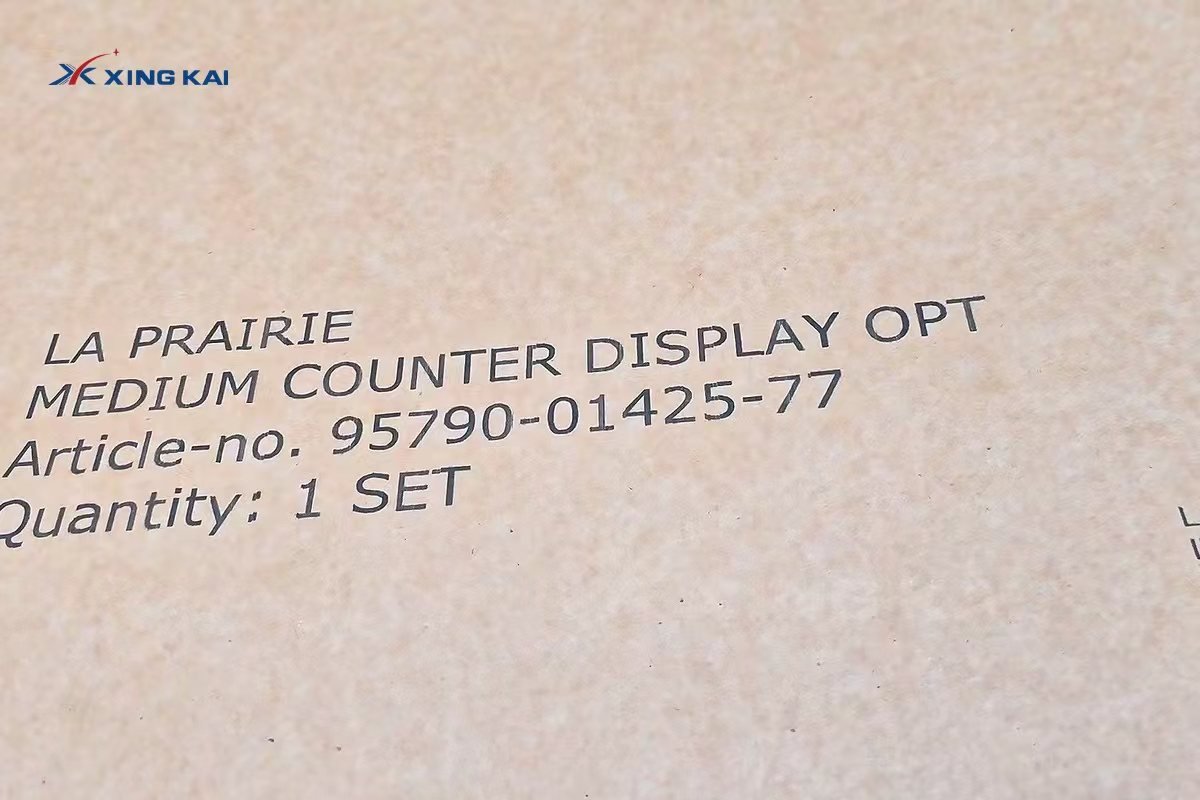
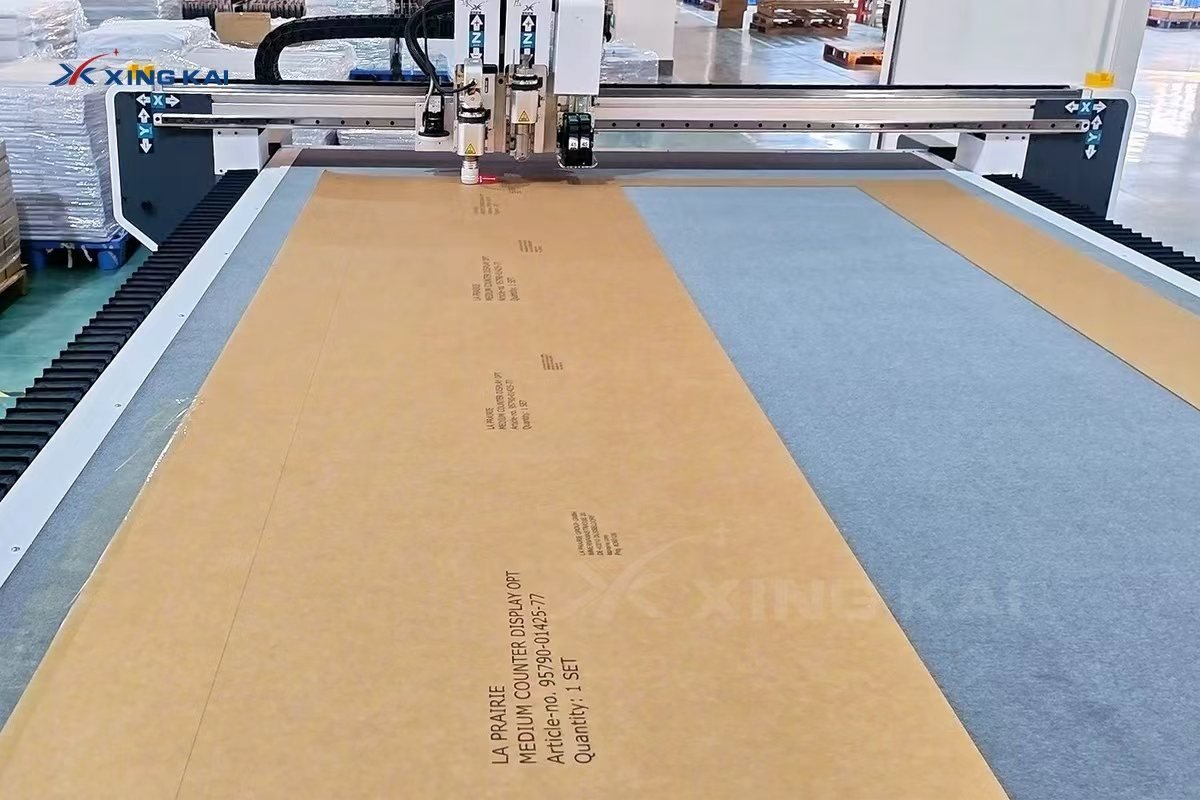
An inkjet corrugated cardboard oscillating knife cutting machine brings printing, creasing and digital cutting into one flexible production workflow. It is designed for packaging samples, retail display parts and short-run corrugated projects that need both a clean cut contour and clear on-board identifiers, such as item codes, product names or assembly references.
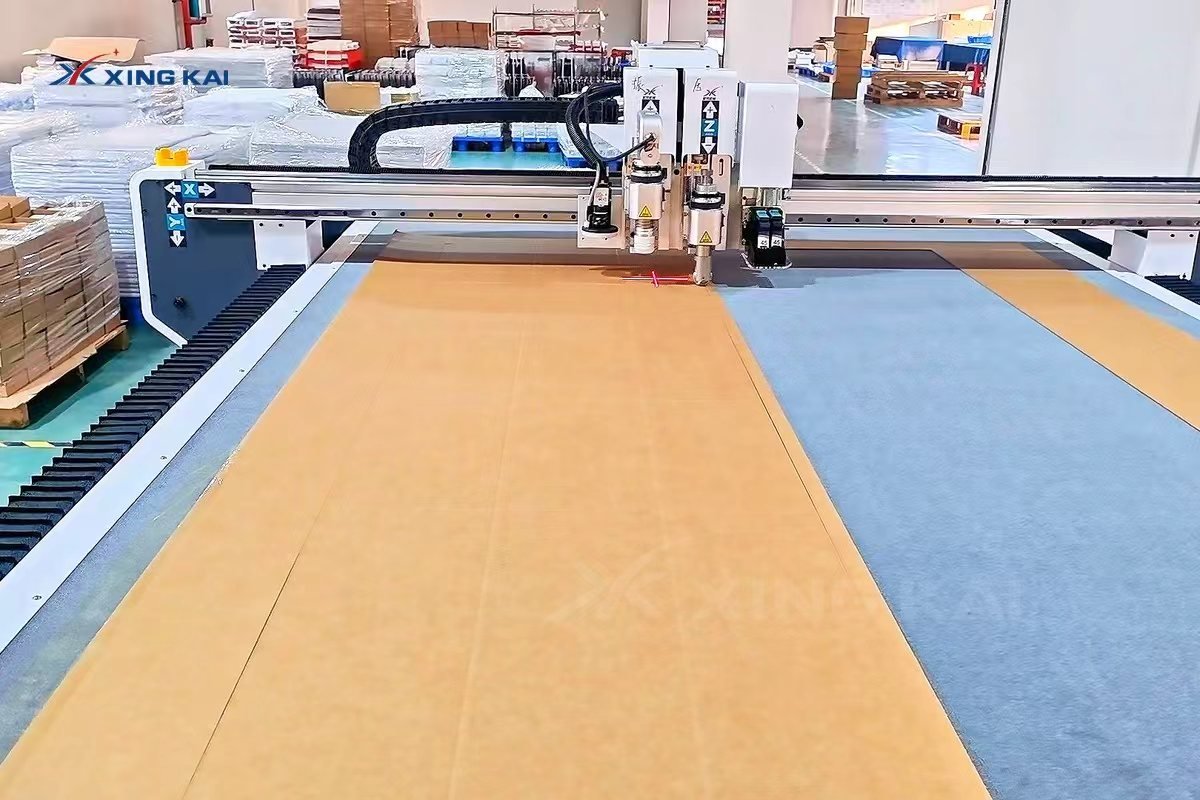
Table of Contents
What Is an Inkjet Corrugated Cardboard Oscillating Knife Cutting Machine?
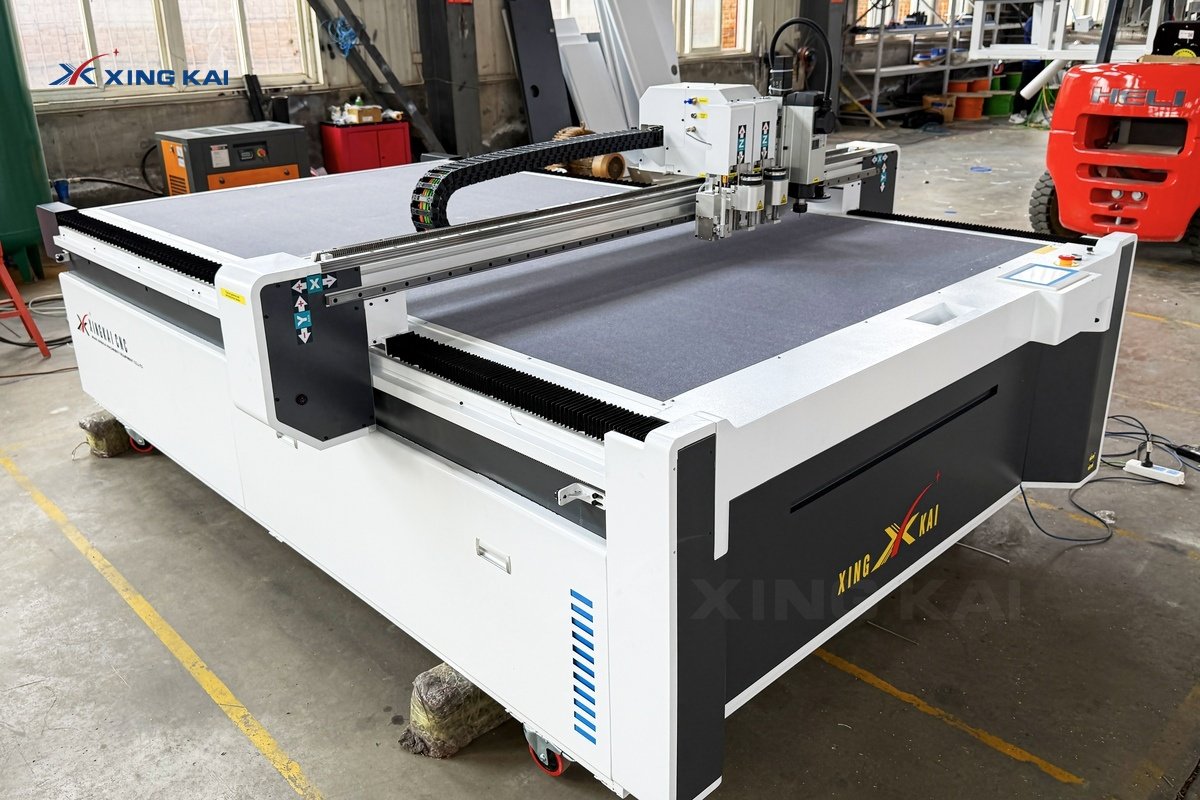
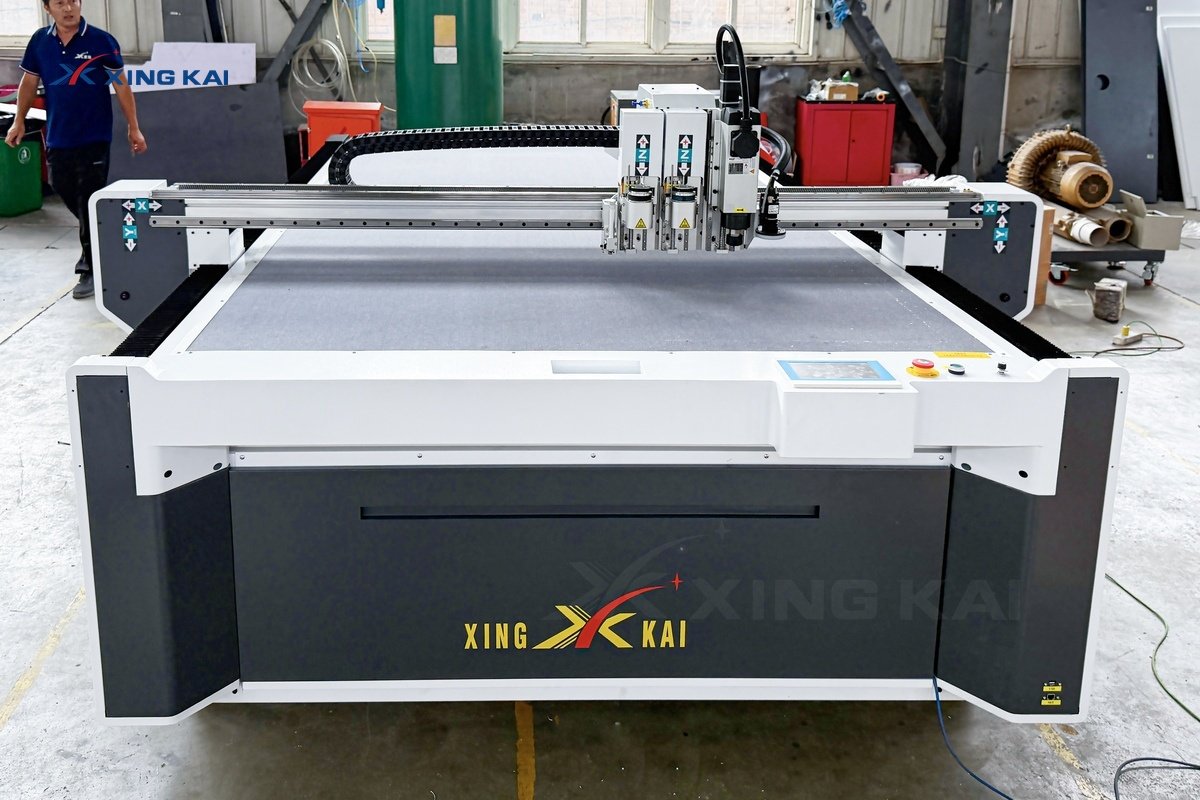
This machine is a CNC digital cutter with an oscillating knife, a vacuum worktable and optional functional modules. In an inkjet configuration, the system can add variable text or identifiers to the sheet while the same digital job controls the contour cutting, slots and crease lines. Instead of making separate templates for every revision, the operator prepares the artwork and cutting file, then runs the job directly on the table.
The result is particularly useful when each display or package component needs a clear name, part number, quantity reference or assembly guide. It also gives sampling teams more freedom to revise graphics and structures without waiting for fixed tooling.
Why Add Inkjet Marking to Corrugated Cardboard Cutting?
Printed information helps operators and end users identify parts after cutting. For countertop displays, flat-packed retail structures and multi-part kits, it can reduce confusion during sorting and assembly. Because the information is driven by the file, a product code or quantity can be adjusted without changing a physical marking plate.
- Variable information: add product names, part numbers, quantity labels or assembly marks.
- Fewer handling steps: coordinate marking and conversion from a single digital job.
- Better traceability: identify individual components in sample and short-run work.
- Flexible revisions: update content in the artwork file when display or packaging details change.
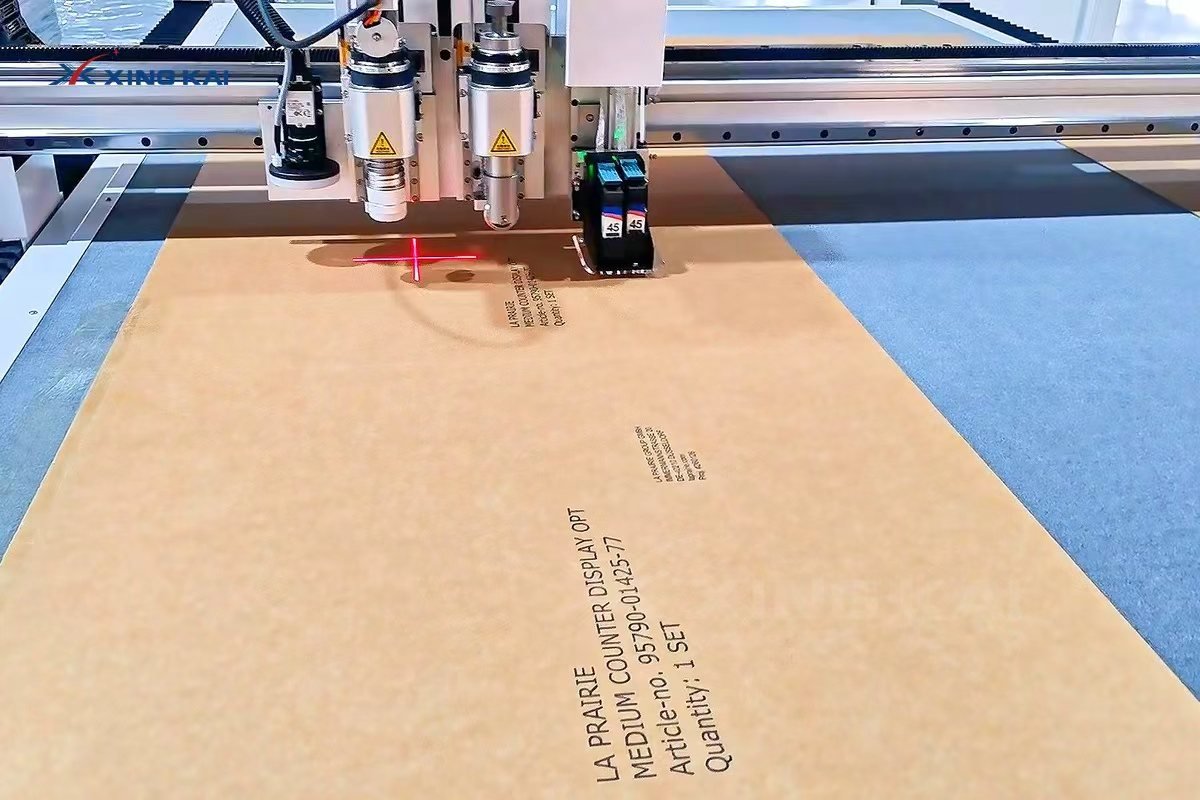
Cut, Crease and Print in One Digital Workflow
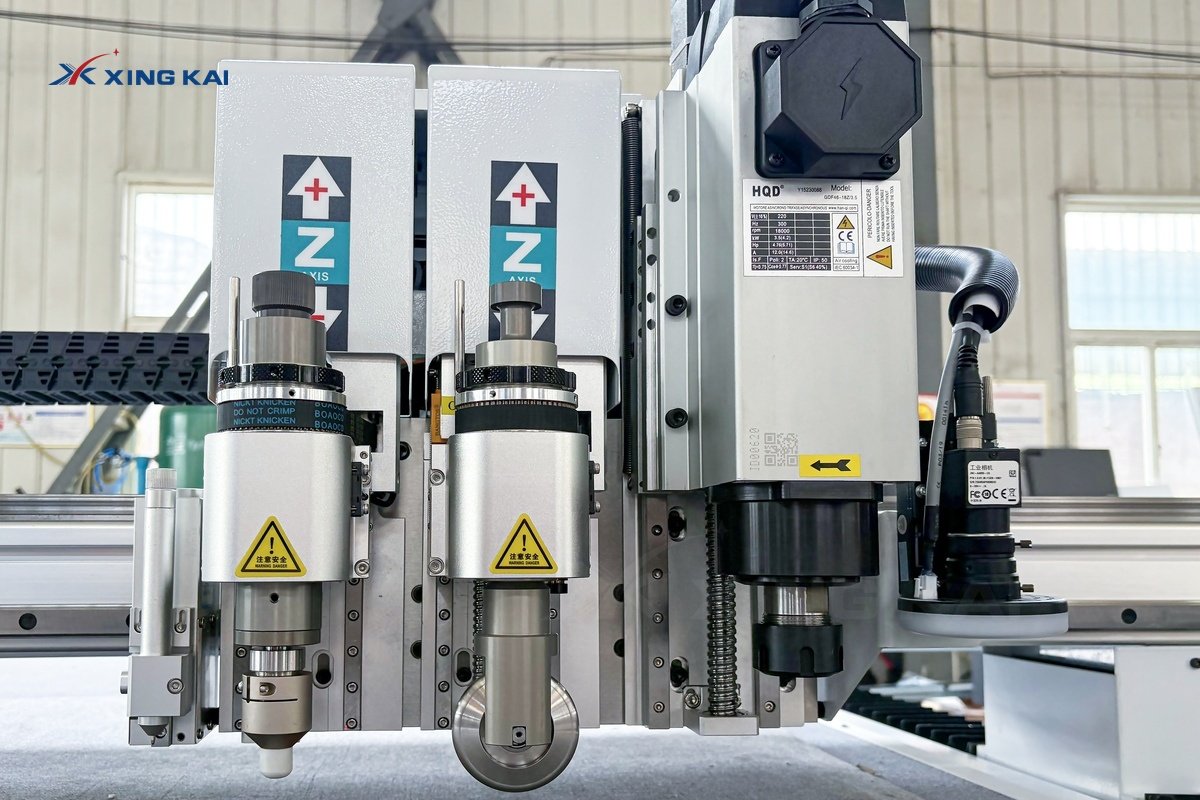
Corrugated cardboard requires more than a basic cut line. The liner and flute structure must remain stable around fold lines, slots and narrow bridges. A configured inkjet corrugated cardboard oscillating knife cutting machine can combine several process layers: the inkjet module adds the requested information, a creasing wheel creates fold lines, and the oscillating knife cuts the outer contour and internal details.
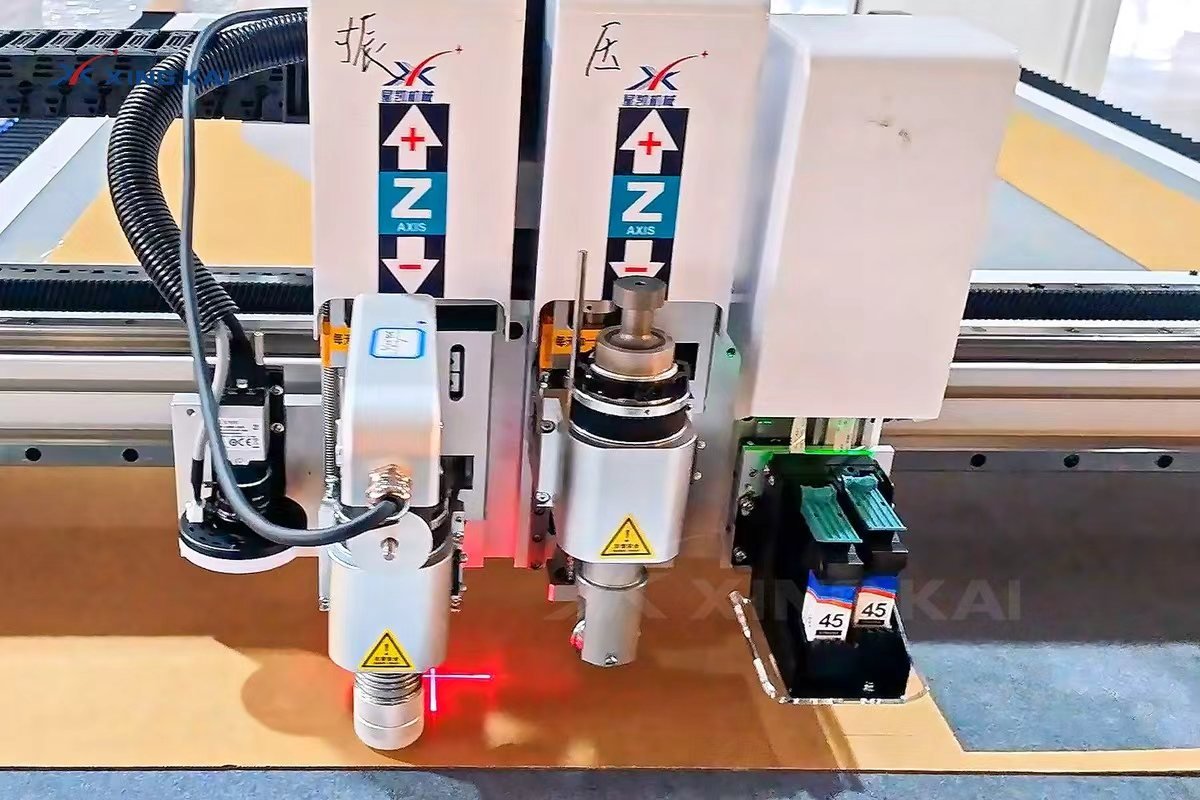
| Job requirement | Digital cutting solution |
|---|---|
| Part name, code or assembly note | Inkjet marking from the production file |
| Outer contour and windows | Oscillating knife cutting |
| Fold line | Creasing wheel set to suit the board |
| Slots and functional holes | Knife cutting or configured punching tool |
| Sheet stability | Vacuum adsorption worktable |
Before a production run, a short material test is recommended. Board grade, flute direction, surface finish and the required text size all affect the best tool and process settings. Testing verifies print legibility, cut quality and crease depth before the complete sheet is processed.
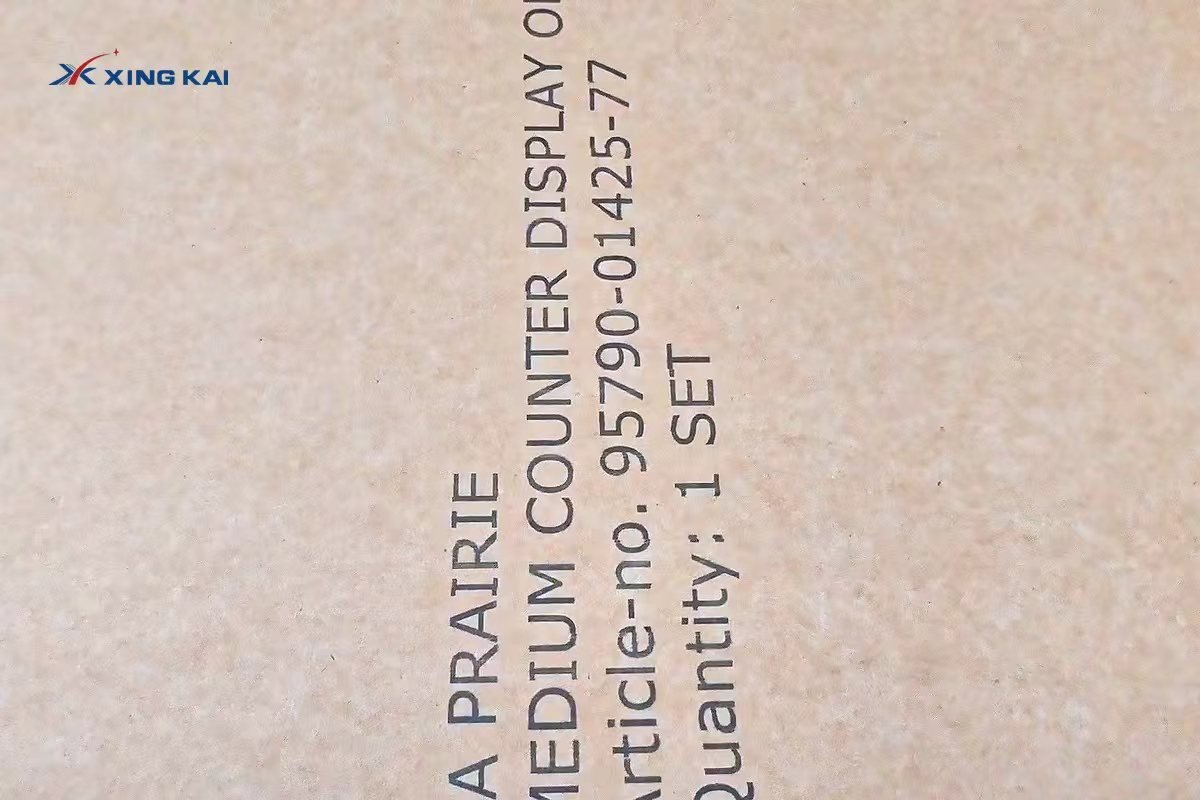
From Artwork File to Finished Corrugated Display Part
- Prepare the artwork and dieline, separating print, cut, crease and optional punch layers.
- Import the file and nest the parts for the available sheet size.
- Place the corrugated cardboard on the vacuum table and confirm flat holding.
- Run a small test to confirm text clarity, tool settings and crease pressure.
- Process the sheet, then inspect the printed information, cut edges and folding function.
Applications for Printed Corrugated Packaging and Displays
This workflow is well suited to changing designs and short production cycles. It can support retail display prototypes, countertop display parts, packaging samples, presentation kits, event structures and corrugated components that need printed instructions or identifiers. For general cutting-only projects, see our corrugated cardboard cutting machine guide.
How to Choose an Inkjet Corrugated Cardboard Cutting Configuration
Start with the largest sheet size, cardboard grades and design details you plan to run. Then decide which functions are required beyond cutting: inkjet marking, creasing, V-cutting, punching, marking or automatic material handling. The useful configuration is based on the actual board, desired print content and dieline—not on one standard setup.
For the core digital cutting platform, view the XK1625 oscillating knife cutting machine with vacuum adsorption. You can also compare a corrugated cardboard machine with creasing and feeding options.
Frequently Asked Questions
Can the machine print variable information on each corrugated board job?
An inkjet-enabled configuration can add information driven by the job file. Please provide your print content, required character size and board sample so the suitable setup can be confirmed.
Can it crease as well as cut corrugated cardboard?
Yes. With a creasing wheel in the tool configuration, the system can create fold lines alongside oscillating knife cut contours.
What should I send for a sample test?
Please send the board grade, thickness, maximum sheet size, artwork, dieline and the content that needs to be printed. This helps us assess the required table, tools and inkjet process.
Request an Inkjet Corrugated Cardboard Test
Send your cardboard grade, sheet size, dieline and required print information. Our team will recommend a suitable print, cut and crease configuration for your project.