Work Hours
Monday to Friday: 7AM - 7PM
Weekend: 10AM - 5PM

A corrugated cardboard cutting machine gives packaging teams a practical way to produce samples, short runs and display parts without waiting for a die. A CNC digital cutter follows the file directly, combining precise cutting with creasing, marking or punching where the job requires it. This makes corrugated cardboard cutting faster to revise when dimensions, graphics or structural details change.
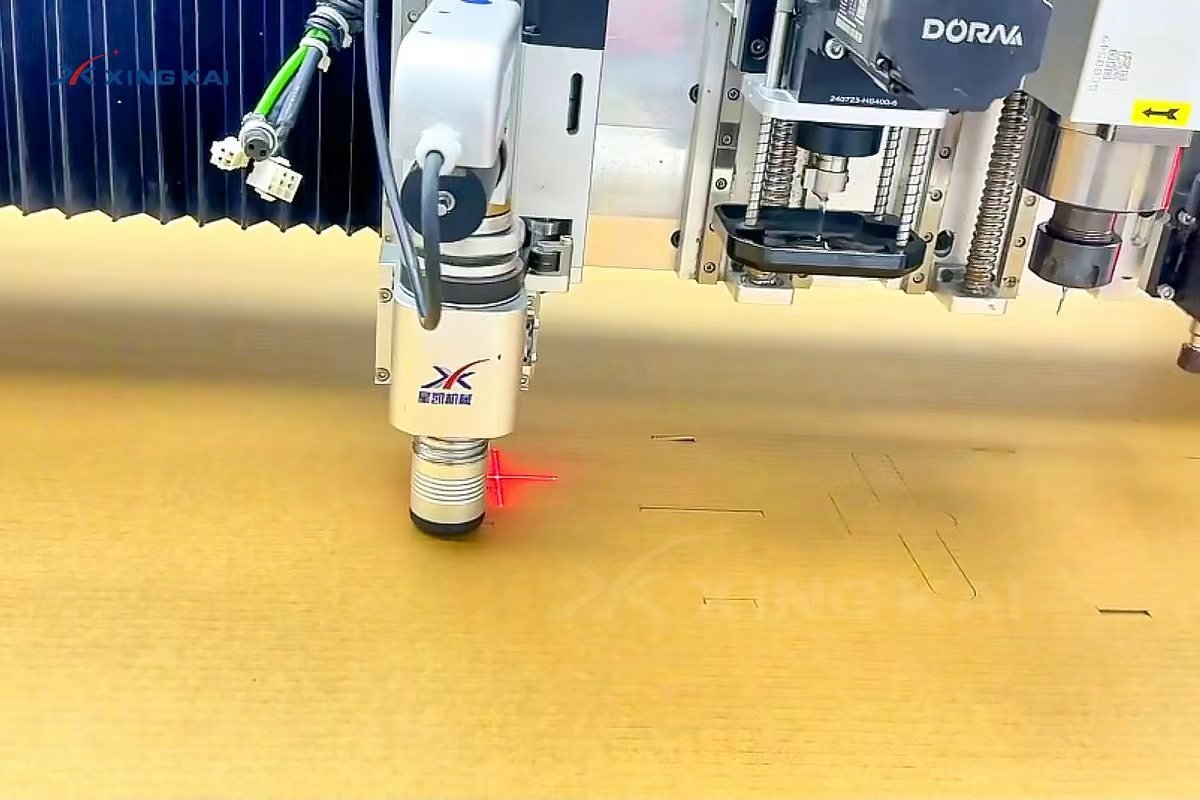
Table of Contents
What Is Corrugated Cardboard Cutting?
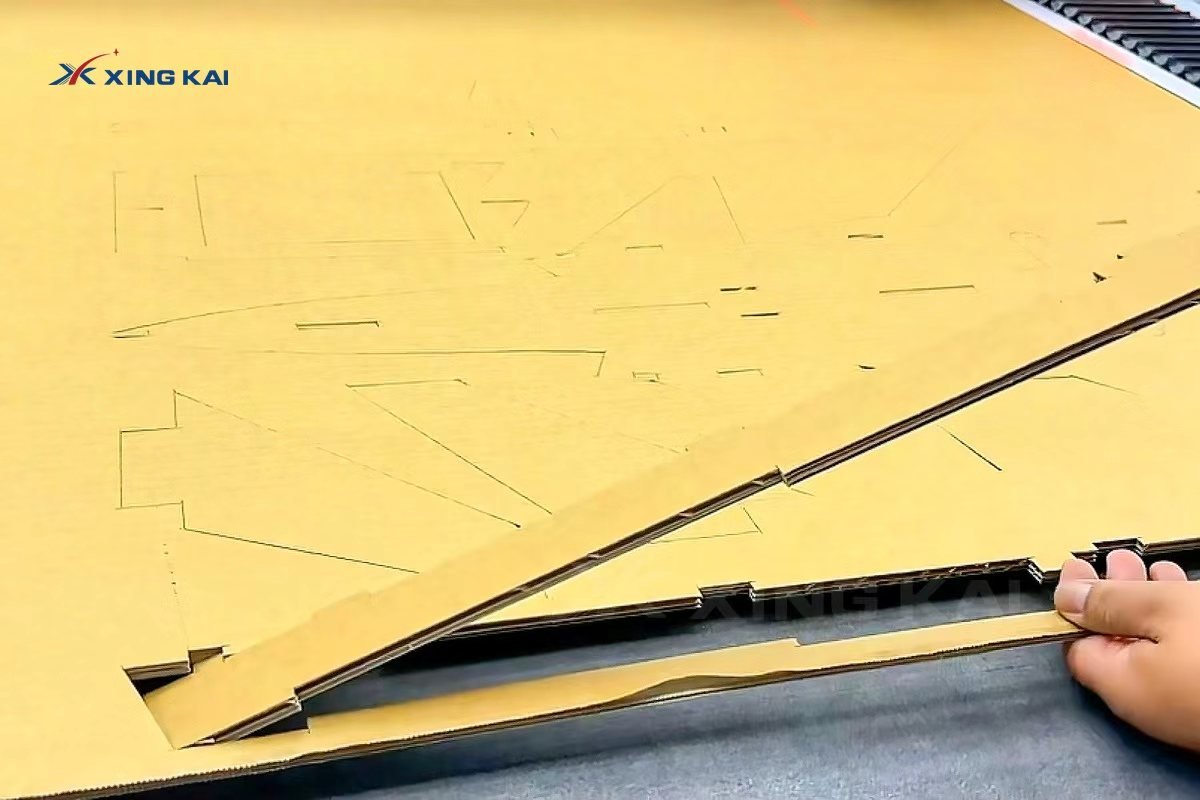
Corrugated cardboard is built from liner sheets and a fluted inner layer. It is lightweight and protective, but its layered structure means the cutting method must preserve edges, folds and slots. Digital corrugated cardboard cutting uses a knife-driven CNC table to cut the shape from a CAD, DXF or HPGL file instead of relying on a fixed die.
For packaging development, this approach is especially useful when a carton needs a design revision, a new size, or a low-volume trial before die tooling is approved.
Why Use a CNC Corrugated Cardboard Cutting Machine?
Manual cutting can be slow and inconsistent for complex samples. Die cutting is efficient after the die is made, but every design change can require further tooling. A corrugated cardboard cutting machine bridges that gap: operators can import a revised file, nest the pieces and start the next sample without a new die.
- Fast design changes: adjust the digital file and cut the next revision.
- Clean functional details: produce outer contours, slots, hand holes and internal cutouts.
- Multi-process work: combine cut lines with crease lines, labels or holes on one table.
- Material efficiency: nesting helps use each sheet more effectively.
Tools, Holding and Workflow for Corrugated Cardboard Cutting
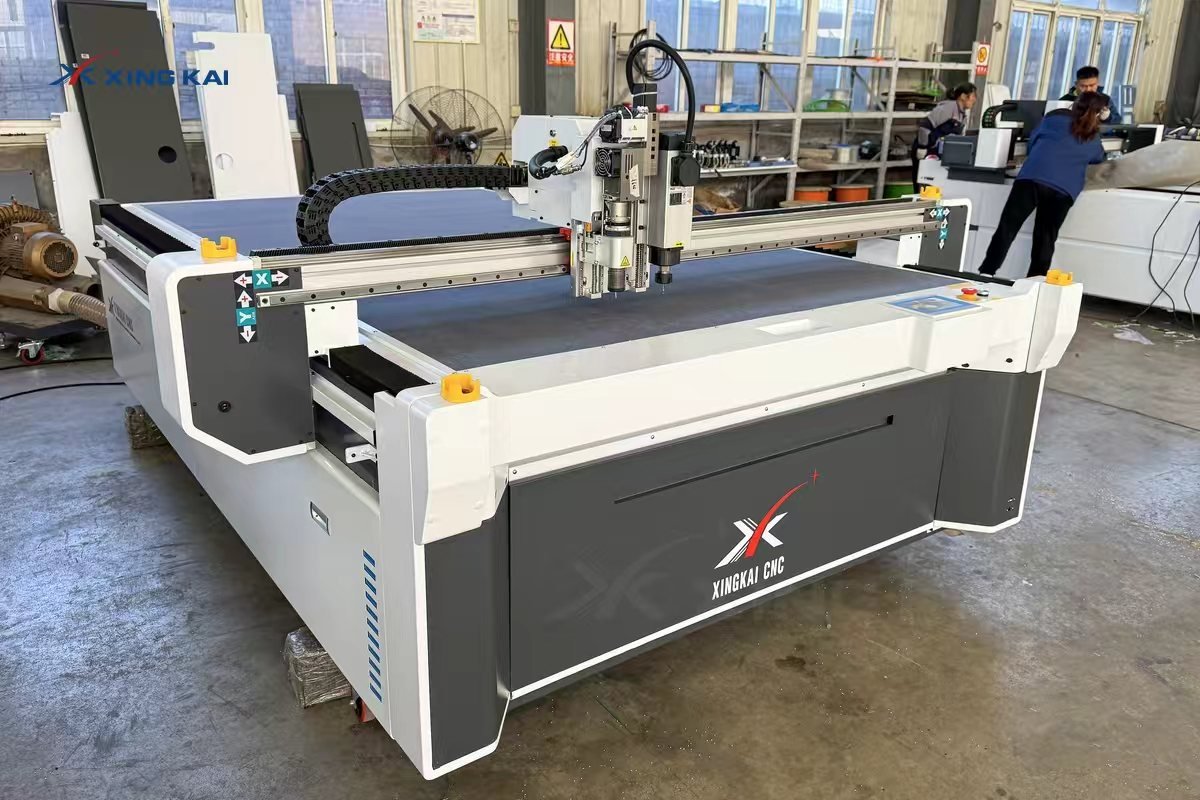
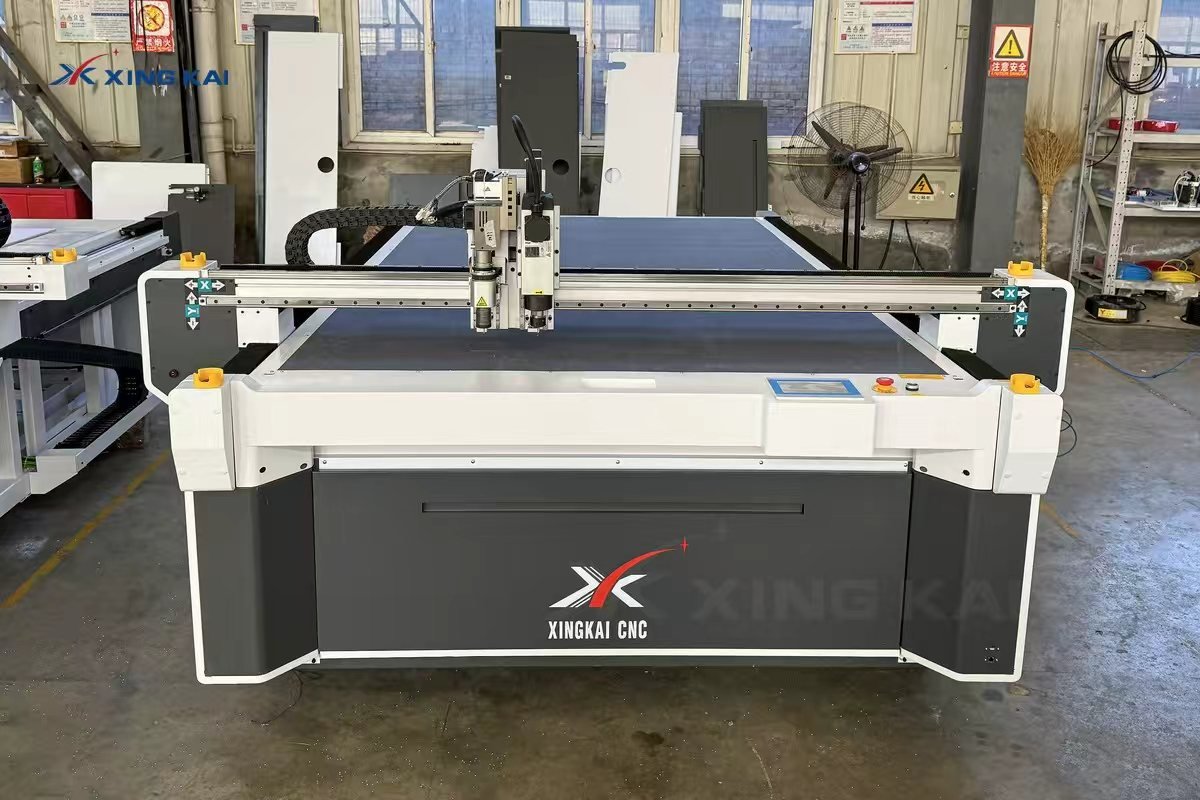
The right workflow begins with the board grade, flute direction, thickness and required finish. A vacuum table holds the sheet flat while the cutting head follows the programmed path. An electric oscillating knife is commonly used for the cut contour, while a creasing wheel can create fold lines without cutting through the liner. Punching, marking and V-cut tools may be added when the package design needs them.
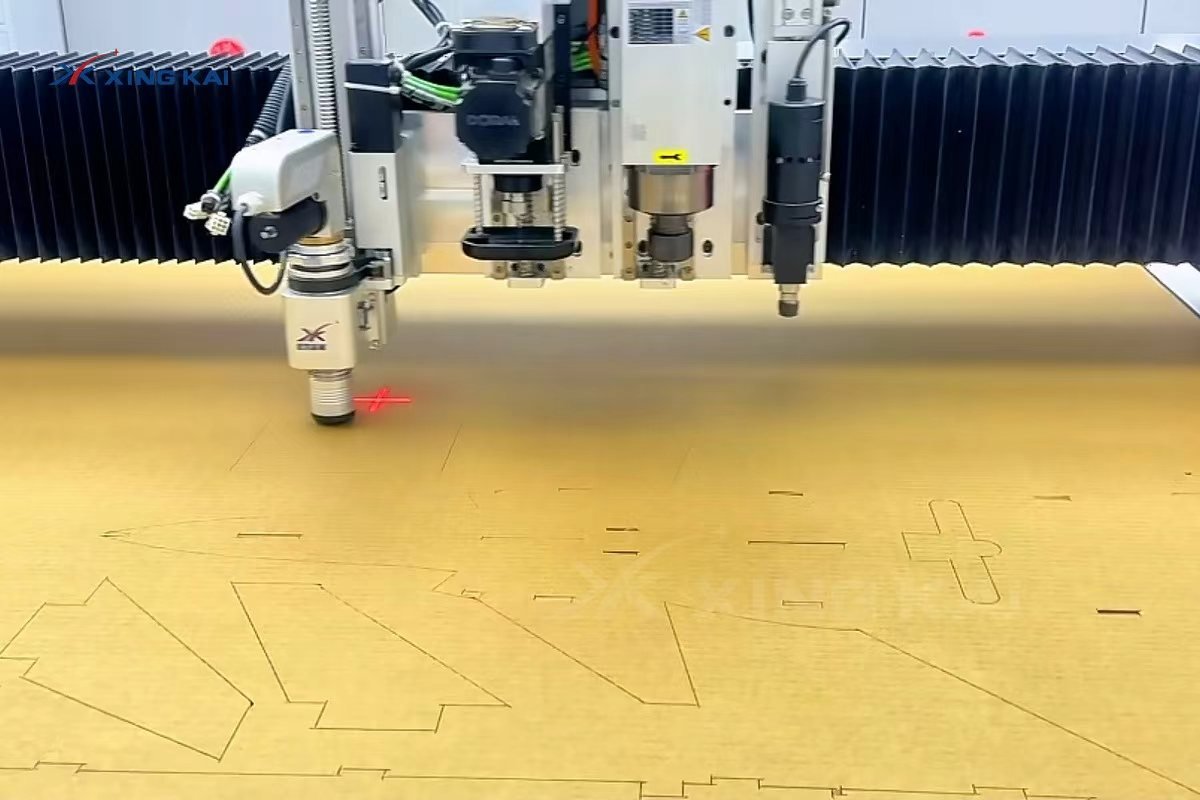
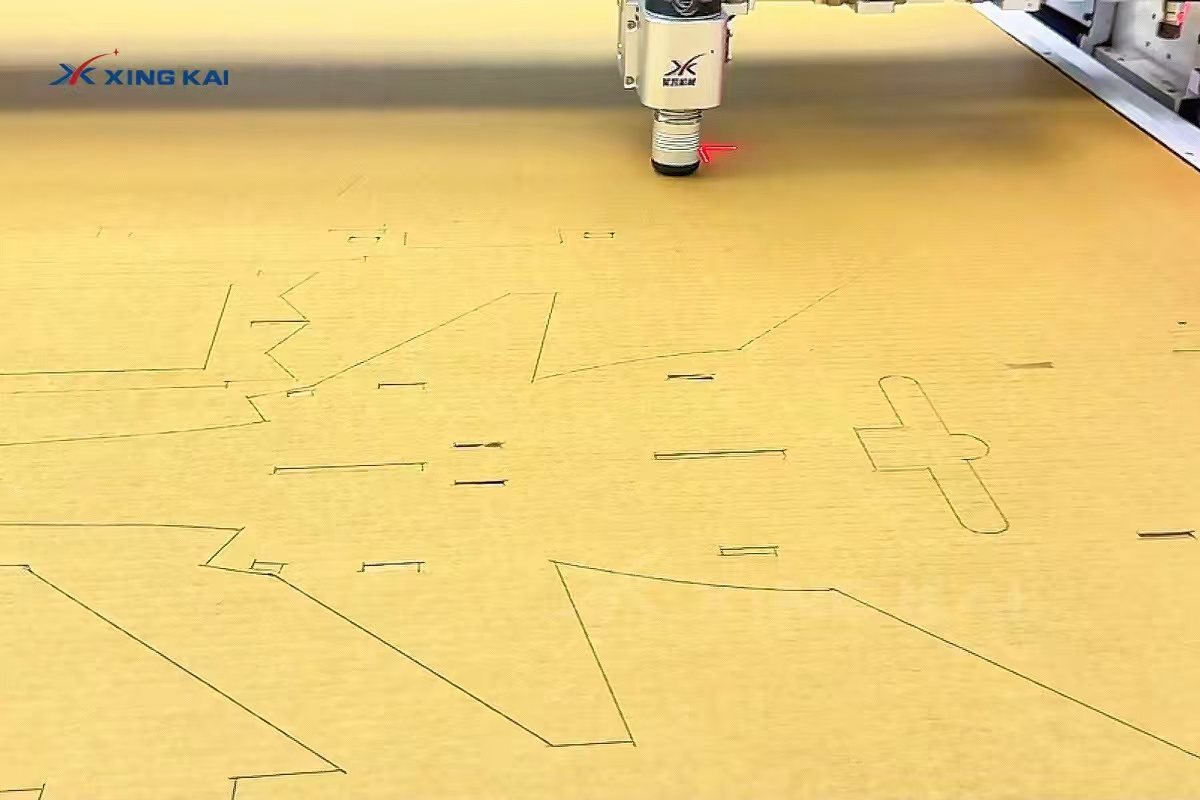
For stable results, test a small pattern first. The test confirms that knife depth, oscillation, speed and crease pressure suit the board. This is important around narrow bridges, small slots and fold lines, where excessive force may compress the flute or leave an incomplete cut.
Corrugated Cardboard Cutting Machine Parameters
The following configuration values are available on Xingkai CNC digital cutting systems. Actual cutting settings should be confirmed through a material test because board structure, density and cut pattern affect the result.
| Parameter | Specification |
|---|---|
| Cutting materials | Corrugated cardboard and compatible flexible non-metal materials |
| Cutting speed | Up to 1800 mm/s; actual speed depends on material and cutting pattern |
| Cutting thickness | Up to 20 mm, depending on material structure, density and blade |
| Cutting accuracy | ±0.1 mm |
| Material fixing | Vacuum adsorption with reverse air blowing |
| Compatible files | DXF and HPGL |
| Standard tool | Electric oscillating knife |
| Optional tools | Pneumatic oscillating knife, V-cut, creasing wheel, punching, marking and milling tools |
| Working areas | Customizable; common configurations include 1600 × 2500 mm and 2500 × 1600 mm |
For an overview of compatible tools and configurations, see the XK1625 oscillating knife cutting machine.
From CAD File to Finished Packaging Part
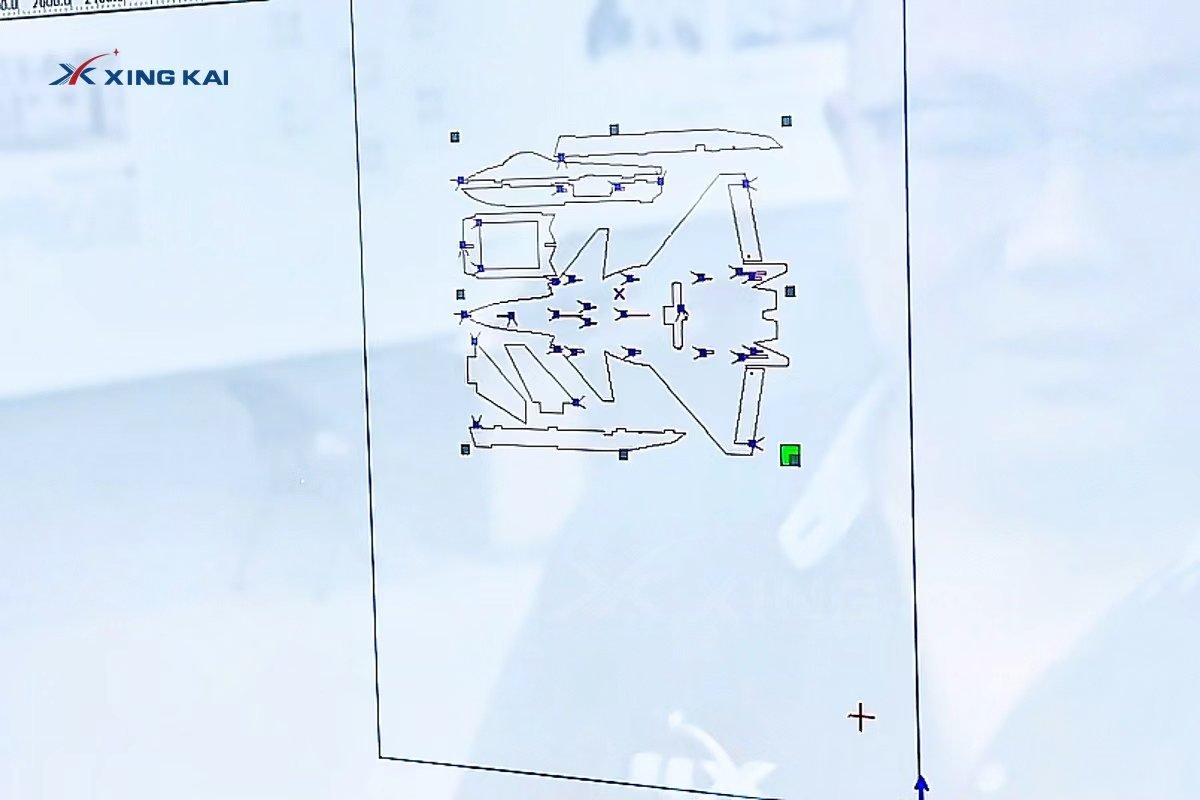
- Prepare the dieline and separate cut, crease, mark and punch layers.
- Import the file and nest parts to suit the usable sheet area and flute direction.
- Place the board on the vacuum table and confirm it is held flat.
- Run a small test to set blade, speed, pressure and crease depth.
- Process the full sheet, then remove parts and check slots, edges and fold lines.
Packaging and Display Applications
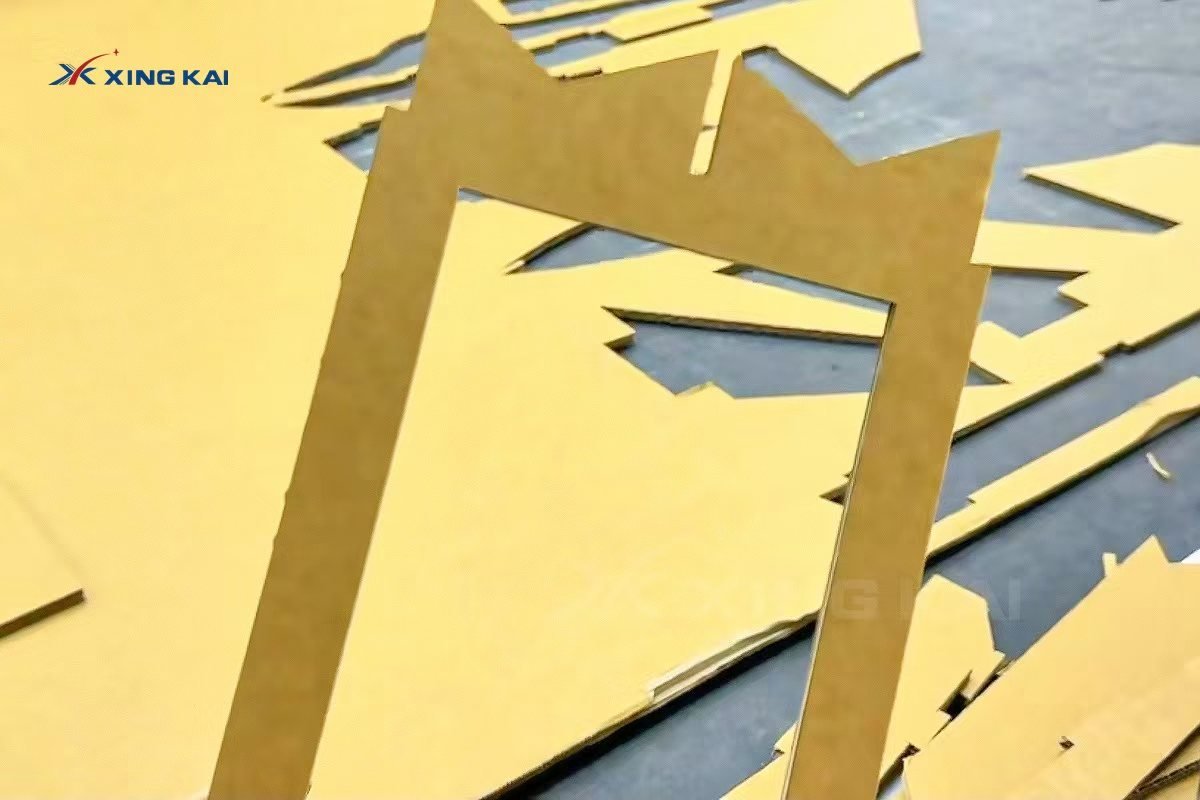
A CNC cardboard cutting machine supports teams that need packaging flexibility rather than a single fixed carton design. Typical work includes shipping-box prototypes, protective inserts, retail POS displays, shelf-ready packaging, exhibition structures and short-run custom cartons.
How to Choose a Corrugated Cardboard Cutting Machine
Choose the table size around your largest sheet, rather than only your current sample size. Then match the tooling to your work: an oscillating knife for cut contours, a creasing wheel for folding cartons, and optional punching or marking for functional details. For high-mix sampling work, vacuum holding and efficient nesting are just as important as the cutting head.
Send your material type, board thickness, maximum sheet size and dieline. A sample test makes it possible to recommend the suitable table size and tool combination for your corrugated cardboard cutting workflow.
Frequently Asked Questions
Can a CNC knife cut corrugated cardboard without a die?
Yes. A digital cutter follows the imported file with an oscillating knife, so it is well suited to samples, revisions and short runs where die tooling is not yet required.
Can the same machine cut and crease?
Yes, when configured with a creasing wheel and the appropriate tools. The workflow can combine cut contours and fold lines in one job.
What information is needed for a machine recommendation?
Please provide the cardboard grade, thickness, maximum sheet size, finished part size and drawing file. These details help identify the right cutting area, vacuum system and tools.
Request a Corrugated Cardboard Cutting Test
Share your corrugated cardboard grade, thickness, sheet size and dieline. Our team will recommend a suitable cutting configuration and arrange a sample test.